
Security
Lock Down GitHub Actions Without Breaking CI: Allowlisting, Pinning, and Fork Safety (2026)
GitHub Actions just made allowlisting easier across plans. Here’s a practical security baseline: restrict what can run, pin actions to SHAs, and keep forks safe—without murdering developer velocity.
Teams rarely get breached because CI/CD is mysterious.
They get breached because CI/CD is powerful by default.
GitHub Actions can run arbitrary code on your behalf, with your permissions, against your repos. That’s fantastic for velocity—and a gift to attackers if you don’t put guardrails in place.
The good news: GitHub has steadily improved controls for restricting what workflows are allowed to execute.
1) Executive summary
- Allowlist actions: restrict which actions and reusable workflows can run (GitHub / verified creators / specified orgs).
- Pin third‑party actions to SHAs: stop “tag drift” supply-chain surprises.
- Harden fork workflows: keep PR CI usable without leaking secrets or enabling abuse.
2) What changed
In early February 2026, GitHub highlighted updates that expand and simplify action allowlisting (controlling which actions and reusable workflows can run).
This matters because it moves “Actions security” from an enterprise-only option to a baseline control more teams can actually turn on.
3) Why it matters
CI/CD is a privileged execution environment. If you can control what code runs in the pipeline, you control the supply chain.
The most common failure mode isn’t a magical zero-day—it’s unreviewed third-party code executing with broad permissions.
4) What to do (checklist)
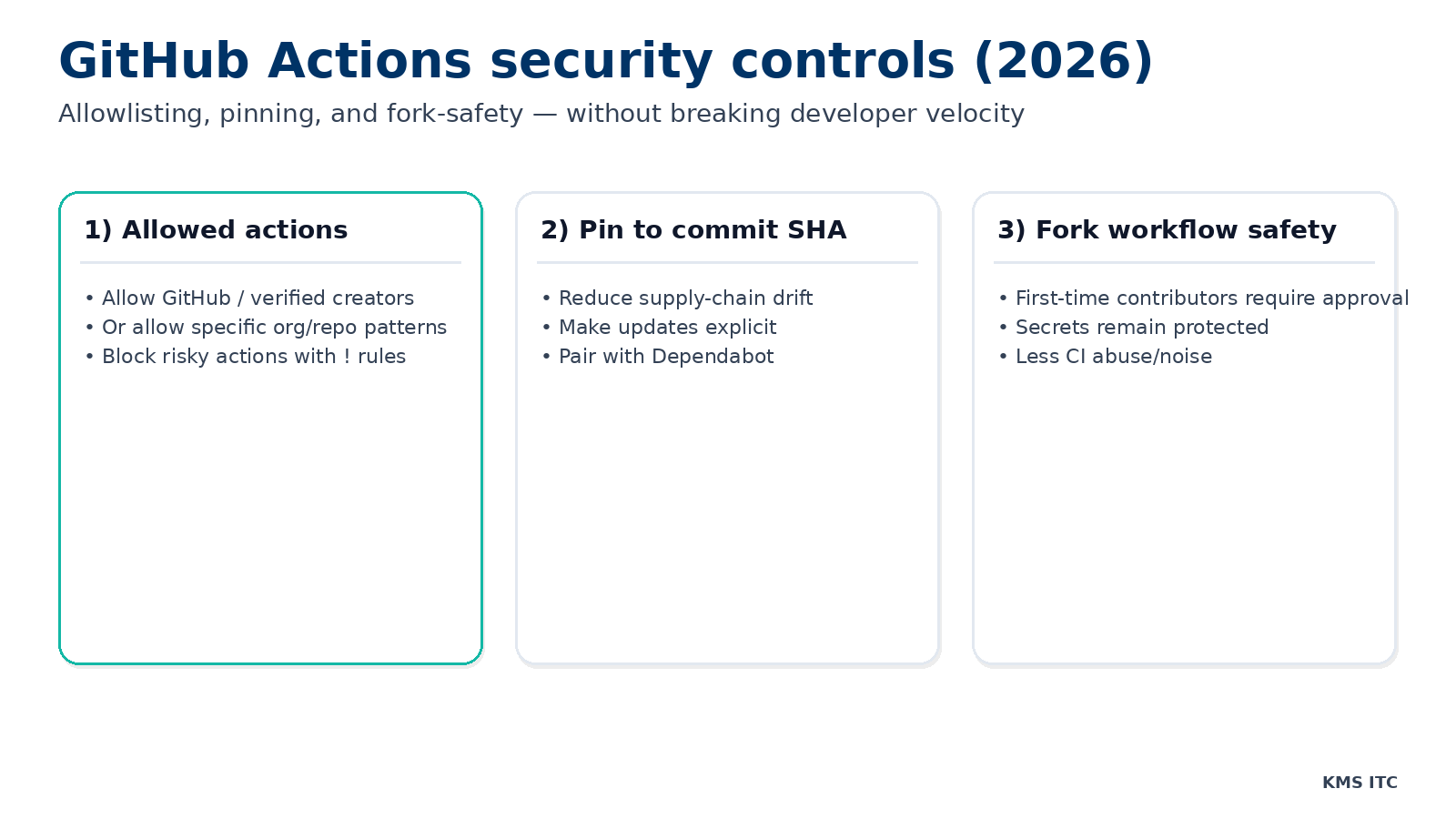
1) Allowed actions: stop untrusted code at the door
The easiest win is to define what your workflows are allowed to call.
GitHub supports policies like:
- allow all actions
- allow only actions created by GitHub
- allow Marketplace actions by verified creators
- allow only specified actions/reusable workflows (allowlist patterns)
Why it matters:
- Many compromises don’t need an exploit—just a path to execute code in your pipeline.
- Allowlisting forces third‑party usage to be explicit and reviewable.
Practical baseline:
- start with GitHub actions + verified Marketplace creators
- add explicit allowlist entries for anything else you truly need
- block risky patterns with
!rules
2) Pin actions to commit SHAs: reduce supply-chain drift
Tags can move. Repos can be compromised. A dependency can change without you touching your workflow.
Pinning actions to a full-length commit SHA turns “whatever v3 points to today” into “this exact code we reviewed.”
Tradeoff: updates are a bit more manual.
How teams keep it painless:
- use Dependabot (or similar) to propose SHA bumps
- batch upgrades and review like normal dependency updates
3) Fork workflow safety: keep PRs flowing, keep secrets safe
Public repos and open contribution models create a real tension:
- you want CI to run on PRs
- you don’t want to hand attackers secrets or expensive compute
GitHub supports policies where workflows from new contributors may require approval.
Baseline idea:
- allow tests on forks, but with restricted permissions and no secrets
- require approval for first-time contributors
- keep “deployment” workflows separated and protected
4) A simple policy cheatsheet
| Scenario | Recommended policy |
|---|---|
| Default / safe starting point | GitHub actions + verified Marketplace creators only |
| Add a specific third-party action | Explicit allowlist entry (owner/repo@sha) |
| Block a known risky pattern | ! exclusion rule |
| Public repo with forks | Require approval for first-time contributors; no secrets in fork workflows |
| Deployment workflows | Separate and protect with environment protection rules |
| All third-party actions | Pin to full-length commit SHA |
5) What to check this week (copy/paste checklist)
- Repository → Settings → Actions → General: confirm your Actions permissions policy.
- Enable allowlisting (at least GitHub + verified creators).
- Turn on Require actions to be pinned to a full-length commit SHA (where feasible).
- Review fork policies and approval settings.
- Audit workflows that request write permissions or access environments.
Risks / tradeoffs
- Overly strict allowlists can break workflows unexpectedly.
- SHA pinning increases maintenance work unless you automate updates.
- Fork restrictions can annoy contributors if you don’t document the process.
Treat it like any other security control: start with a baseline, monitor friction, and iterate.
Sources
- GitHub Changelog: GitHub Actions — Early February 2026 updates (allowlisting controls)
- GitHub Docs: Managing GitHub Actions settings for a repository (allowed actions settings)
- GitHub Status: recent incidents affecting Actions/PRs (operational context)