
Security
Notepad++ Update Hijack: Supply-Chain Lessons for Enterprises (2026)
A targeted Notepad++ updater compromise shows how ‘small’ tools can become initial access. Here’s what happened, why it matters, and how to harden third‑party update channels.
This is the kind of story defenders hate: a “boring” utility becomes the entry point.
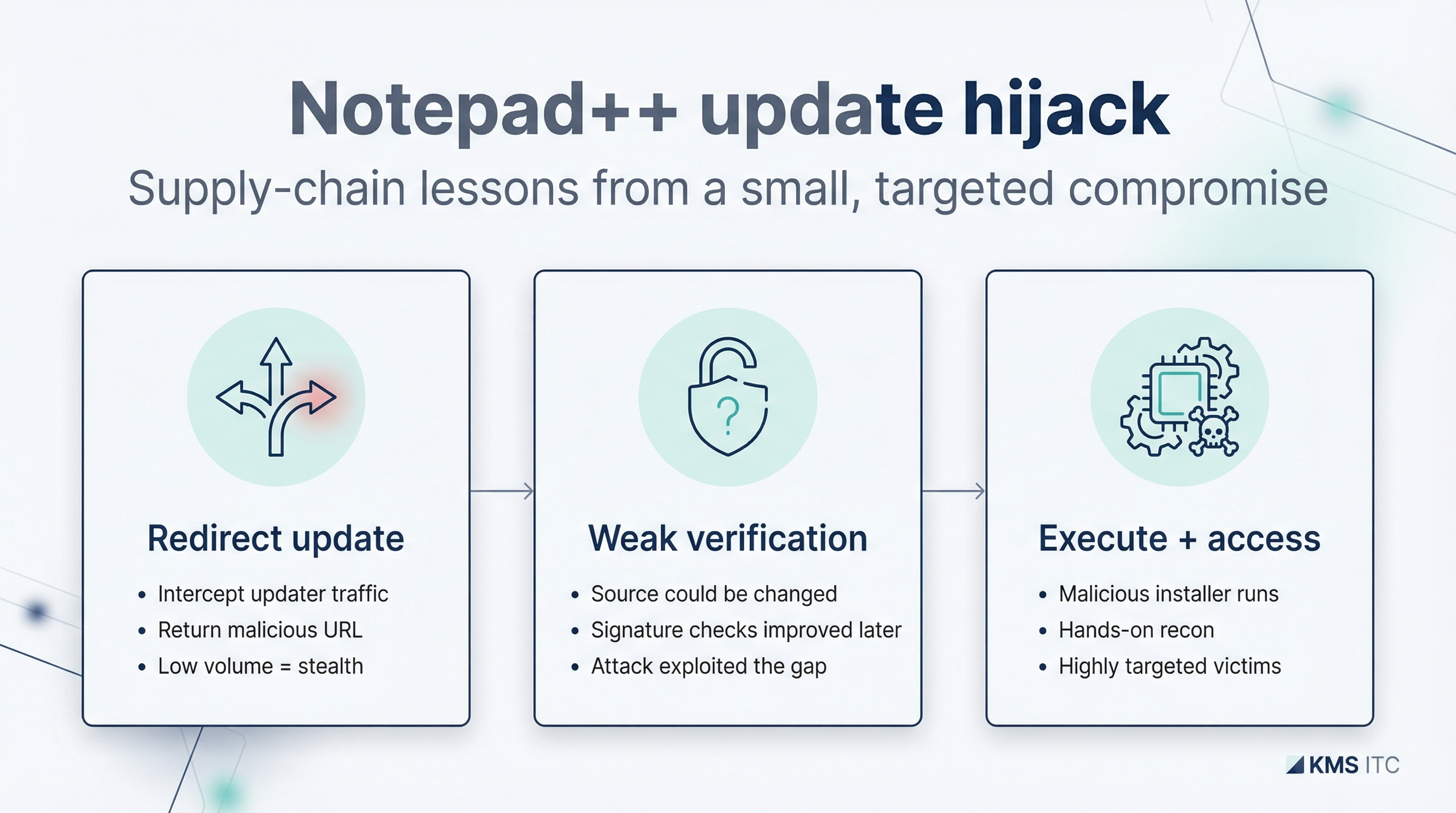
A targeted supply-chain campaign hijacked parts of the Notepad++ update path by abusing weaknesses in the updater’s verification controls and redirecting update traffic. The incident matters less because it’s Notepad++, and more because it’s a template for any third‑party updater in your fleet.
The kill chain:
- Attackers compromise shared infrastructure and retain credentials
- Update traffic is redirected to attacker-controlled source
- Older updater behavior allows download source to change without warning
- Malicious payload delivered with the same trust level as a legitimate update
- Initial access achieved on targeted endpoints
1) Executive summary
- Updaters are privileged. If they can be redirected, they become a remote code execution channel.
- Low-volume targeting is stealthy. Rare update traffic can be selectively manipulated.
- Enterprise defence is boring but effective: internal packaging, signature enforcement, and egress controls.
2) What changed
Based on public reporting:
- attackers compromised shared infrastructure and retained credentials long enough to redirect some update traffic
- older updater behavior allowed the download source to be changed
- integrity/authenticity checks were improved in later versions (signature and certificate validation)
3) Why it matters
Many organisations implicitly trust:
- auto-updaters
- download redirects
- “popular open-source tools”
That trust is misplaced.
If you operate a managed environment, your real question is:
How many endpoints can execute installer code fetched directly from the internet?
Supply-chain incidents are rarely about one app. They’re about the pattern.
4) What to do (checklist)
4.1 Control updates
- Prefer internal packaging (SCCM/Intune/MDM) over unmanaged auto-updaters.
- Block direct updater egress where feasible; allowlist only required domains.
4.2 Enforce verification
- Require signed installers and validate signatures.
- Pin known-good hashes for high-risk tooling if signatures are inconsistent.
4.3 Detect drift
- Alert on updaters contacting unexpected domains.
- Watch for unusual child processes spawned by installers.
- Hunt for unexpected binaries appearing in TEMP directories.
4.4 Reduce blast radius
- Least privilege on developer/admin workstations.
- Application control policies for installer execution.
- Ensure EDR coverage and retention on endpoints.
5) Risks / tradeoffs
- Blocking updaters can increase lag on patches; internal packaging must be responsive.
- Allowlisting domains needs maintenance.
- Overly strict app control can break legitimate dev workflows—pilot first.
Sources
- Help Net Security — How state-sponsored attackers hijacked Notepad++ updates: https://www.helpnetsecurity.com/2026/02/02/2025-notepad-supply-chain-compromise/
- Notepad++ incident update (maintainer): https://notepad-plus-plus.org/news/hijacked-incident-info-update/